How to play ORA Windsurf
Free to play in your browser - no install, no download.
Play now ▶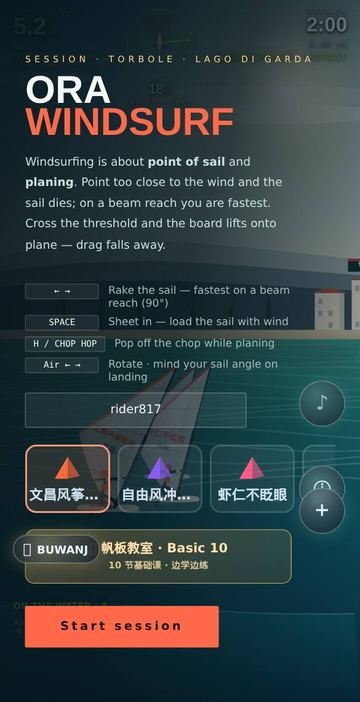
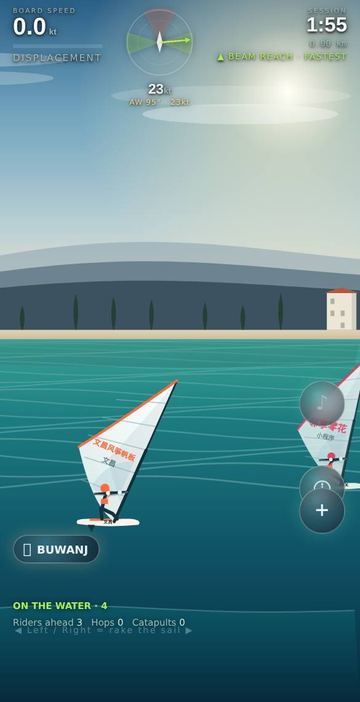
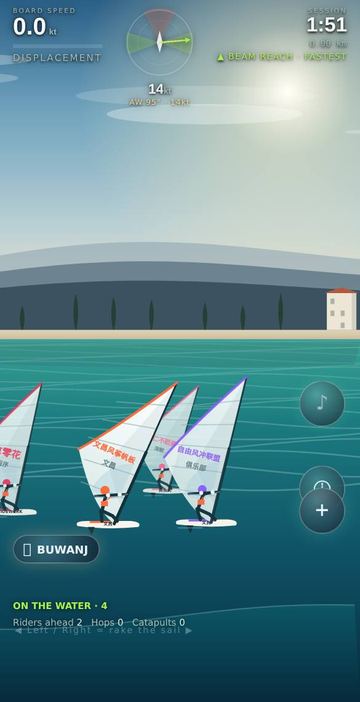
ORA is a windsurf session at Torbole, at the northern tip of Lake Garda in Italy. Three layers of limestone cliffs rise behind the water, with cypress trees, a lakeside village and a bell tower on the shore. The Ora is a steady afternoon wind, here around 18 knots and roughly 11 to 24.
Where the kite and wing games pull power from above, ORA is about your angle to the wind, the point of sail. A dial shows the true wind (green arrow) and the apparent wind (dashed yellow), which swings forward as you speed up. Under about 38 degrees is the no-go zone and the sail dies; about 70 to 110 degrees is the beam reach, the fastest; further off the wind come the broad reach and an unstable run.
How to play
- On the start screen, add a nickname (up to 8 characters) if you like, pick one of seven sails and tap Start session. The gold Windsurf School card above the button opens the lessons.
- Turn until the label under the clock reads BEAM REACH, and sheet in. On touch screens, pressing either half of the screen also pulls the boom in.
- The status under your speed reads DISPLACEMENT at first. Past about 14 knots with the sail loaded, the board pops up to PLANING, drag drops and speed climbs toward about 33 knots.
- While planing above roughly 15 knots, double-tap the game area (or press H or Up) to chop-hop, then land with the sail still working.
- After two minutes you see top speed, time spent planing, distance and best air time.
Controls
| Action | How |
|---|---|
| Change the angle to the wind | Touch: hold the left half to head closer to the wind, the right half to bear away. Keys: Left/Right arrows or A/D |
| Sheet in (pull the boom) | Touch: holding either half pulls in; two fingers on screen also pull in. Keys: hold Space |
| Chop hop | Double-tap the game area while planing. Keys: H or Up arrow |
| Rotate in the air | Left/Right while airborne |
| Steer with the phone (automatic) | Tilting the phone sideways changes your angle to the wind; tilting it forward lowers the speed needed to start planing. A compass badge appears when the sensor is active |
| Start | Tap Start session, or press Enter |
Rules
- Each session lasts 2 minutes.
- Planing starts at about 14 knots when the sail is driving hard, and ends below about 11 knots or when the sail loses drive.
- Catapult: sheeting in fully before you are planing, closer than about 66 degrees to the wind, in wind above about 20 knots, can throw you over the front. You lose most of your speed, the sail is released and steering locks for a moment. Catapults are counted on screen.
- Chop hops only work while planing. Land close to level with the sail in a working angle, or you see BAD LANDING and lose about two thirds of your speed.
- Solo sessions include 3 computer riders. In an online room only people ride.
Tips
- Aim for the green wedges on the dial: around 90 degrees gives the most power.
- Get planing before heading upwind; displacement drag is several times higher.
- In strong gusts, ease the sheet when pointing high to avoid a catapult.
- On a phone, leaning slightly forward makes planing easier to reach.
FAQ
What is apparent wind?
The wind the sail feels once you move. It shifts forward and changes strength as you speed up. The dial shows it next to the true wind.
Why did I get thrown forward?
That is a catapult: sheeting in hard close to the wind in a strong gust before planing. Bear away or ease the sail first.
What is in the Windsurf School?
Ten basic lessons from Beach Start and Uphaul to Tack, Jibe, Planing, Harness and Chop Hop. Each has four steps, a tip, a button to ask the AI coach and a Practice button that starts a session. Progress is not saved.
Can I ride with friends?
Yes. In the + menu, the play icon opens a room with a 4-character code and the invite button gives a link. Friends who open it sail in your session, with chat and emoji reactions.
Does it need the motion sensor?
No. Tilt steering switches on by itself when available, but touch and keyboard work on their own.
Do I need to install or sign in?
No. It runs in the browser on phone or computer, in English, Korean, Chinese and Vietnamese.
More games like this
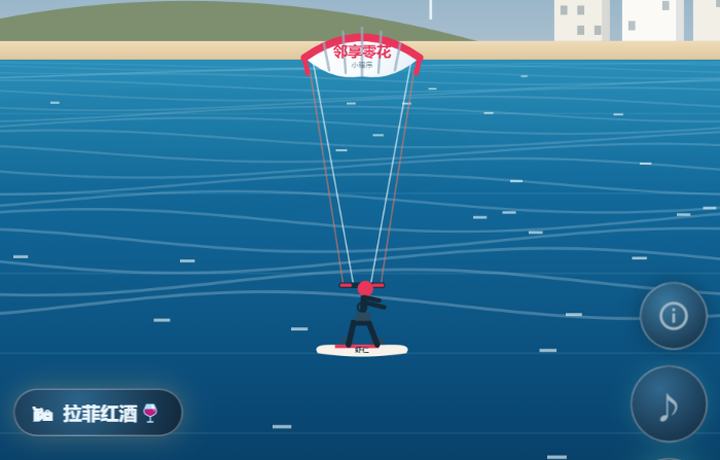 LEVANTE KitesurfPhysics kitesurfing — power the kite, pop waves, flip through stages.How to play ›
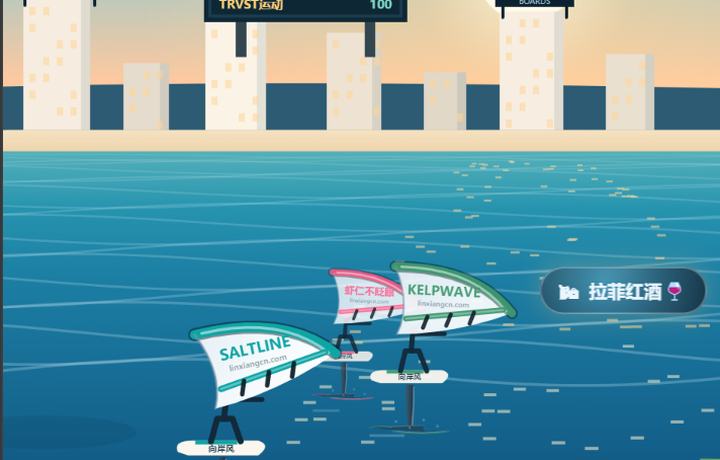 GLIDE Wing FoilRide the wing on a hydrofoil — carve crosswind and glide.How to play ›
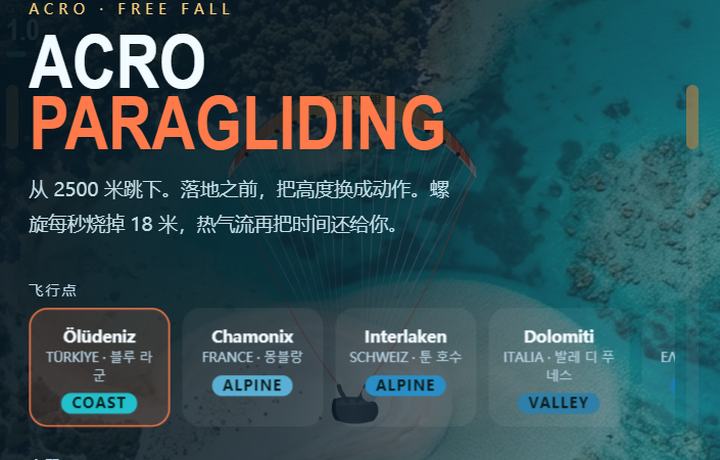 Acro ParaglidingLeap from 2500m — trade altitude for acro tricks.How to play ›
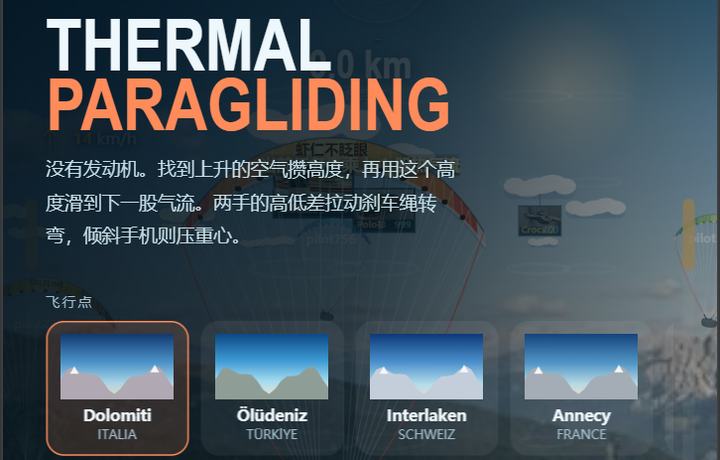 Thermal ParaglidingNo engine — ride rising thermals to gain altitude.How to play ›